Step 1- Open Tokma
“Now let’s see how to view your booked packages on Tokma.”
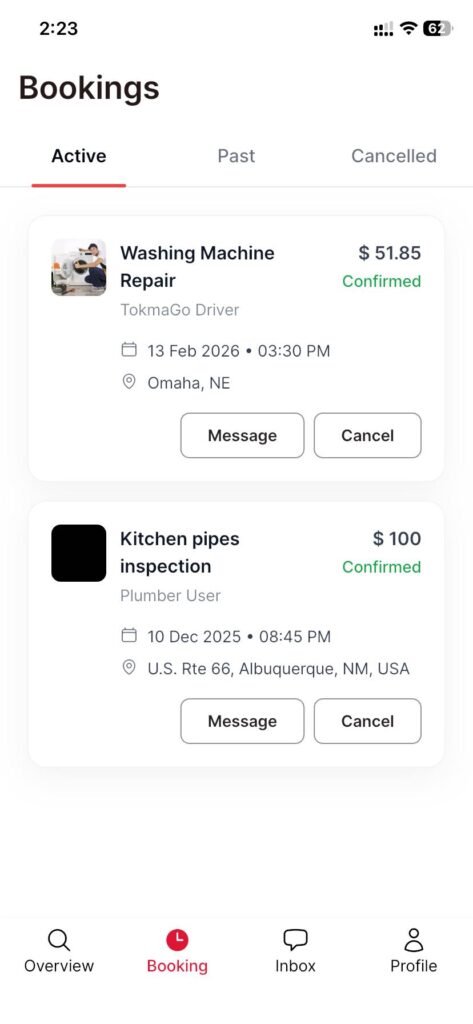
Step 2- Go to Bookings
“Open the app, then tap Bookings from the bottom navigation bar.”
Step 3- Booked packages list
“Here you’ll see a list of all your booked packages in one place.”
Step 4- — Open booking details
“Tap any booking to view the full details.”
Step 5- What you can view
“Inside, you can check important information like the start time, package duration, and a full pricing breakdown—along with other booking details.”
Step 6- Wrap
“That’s it—Bookings is your go-to place to track and review all your services on Tokma.”