Step 1- Splash + Intro
“Open Tokma—your one-stop services app. You’ll see a quick intro. Tap Next to continue.”
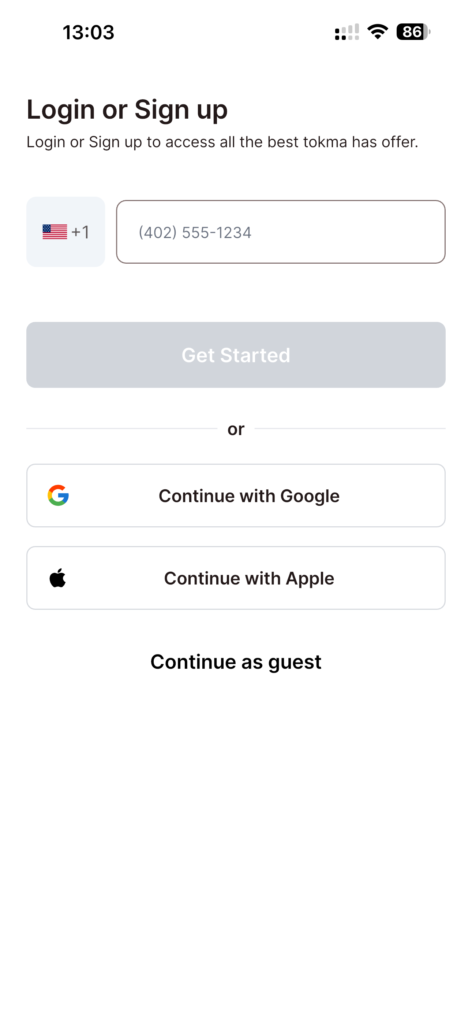
Step 2- Sign up options
“Now you’re on the signup screen. Choose Phone, or continue with your preferred social media account.”
Step 3- Phone + OTP
“If you’re signing up with your phone, enter your number and tap Continue. We’ll send a verification code—enter the OTP to confirm.”
Step 4- Choose your role
“Next, choose your role: Individual Service Provider, Business Service Provider, or Tokma Captain.”
Step 5- Select your services
“Then select the type of services you provide, so Tokma can set up your account correctly.”
Step 6- Submit details & documents
“Now complete the required form based on your role.
If you’re an Individual Provider, submit your individual details and documents.
If you’re a Business Provider, submit your business information and required documents.
And if you’re a Tokma Captain, add your vehicle details and upload the necessary documents.”
Step 7- Welcome + Verification status
“Once you’re done, you’ll see the welcome screen. Tap Get started with Tokma, and you’ll be taken to the waiting screen—where you can track your verification status and access helpful resources while your account is being reviewed.”