Step 1- Splash + Intro
“Open Tokma — your one-stop services app. You’ll see a quick intro. Tap Next to continue”.
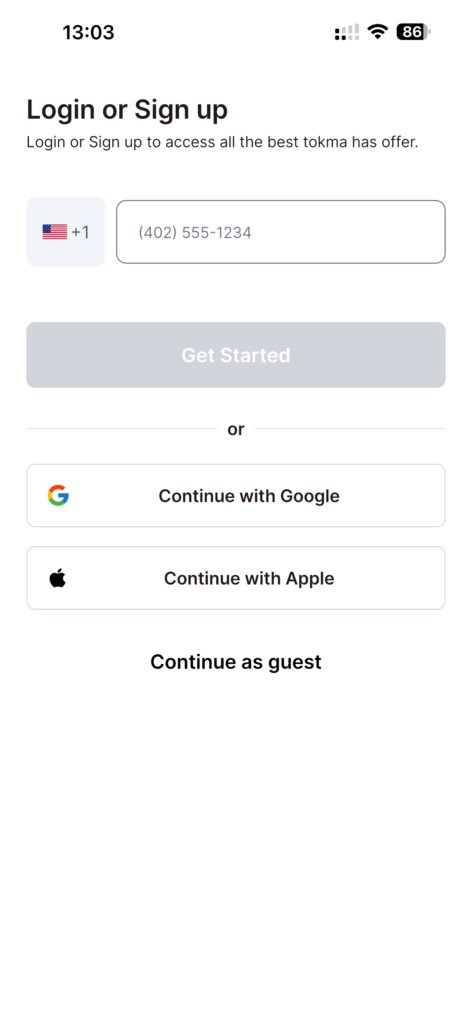
Step 2- Sign up options
“Now you’re on the signup screen. Choose Phone, or continue with your preferred social
media account.”
Step 3- Phone + OPT
“If you’re signing up with your phone, enter your number and tap Continue. We’ll send a
verification code—enter the OTP to confirm.”
Step 4- Basic info
“Next, fill in your basic details, like your name, to complete your profile.”
Step 5- Permissions
“You may be prompted for permissions, such as notifications and location. Tap Allow to
receive updates and help Tokma serve you more accurately.”
Step 6- Home
“That’s it—you’re all set. Your Tokma account is ready. Welcome!”